


A structured learning hierarchy
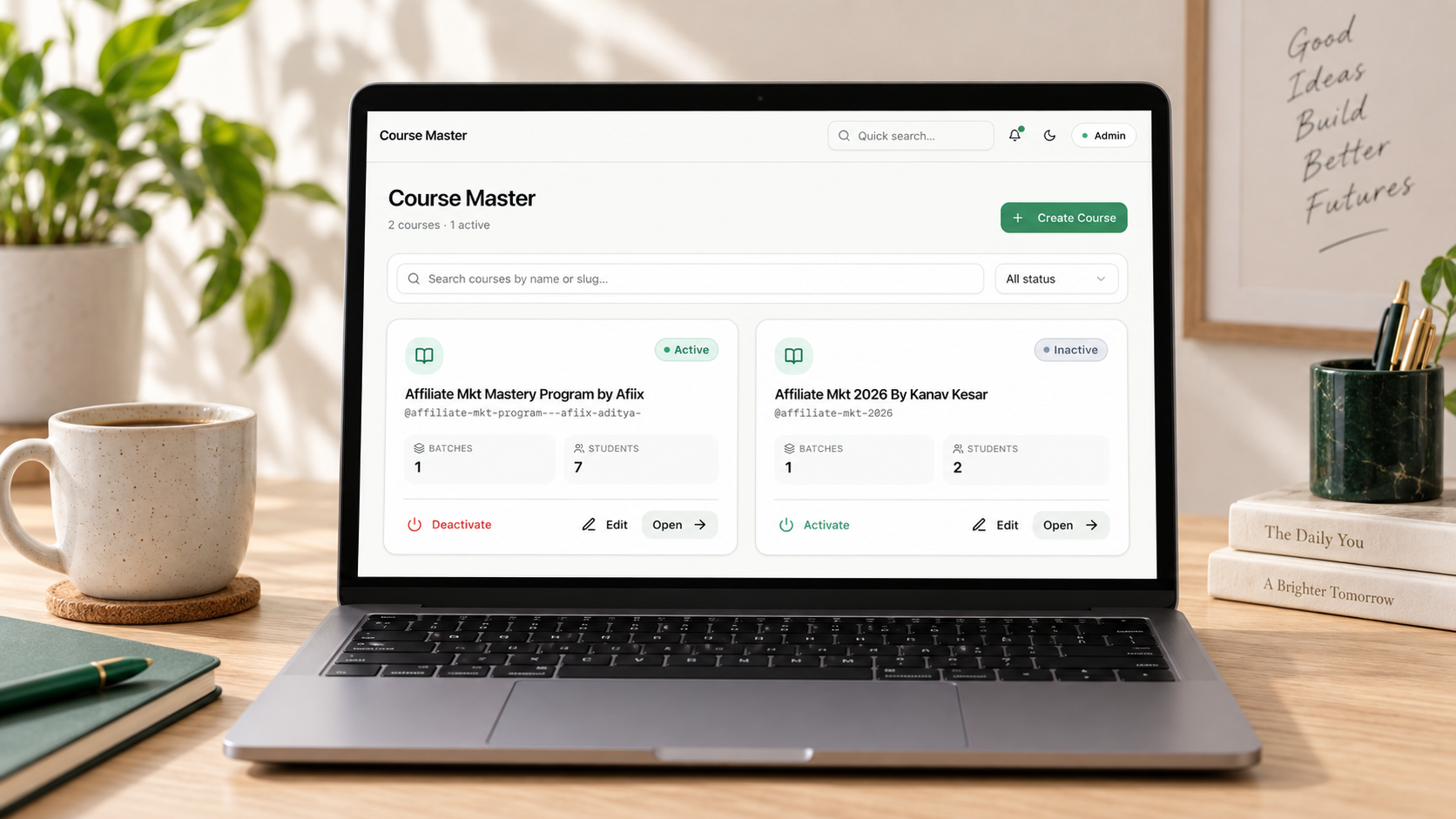
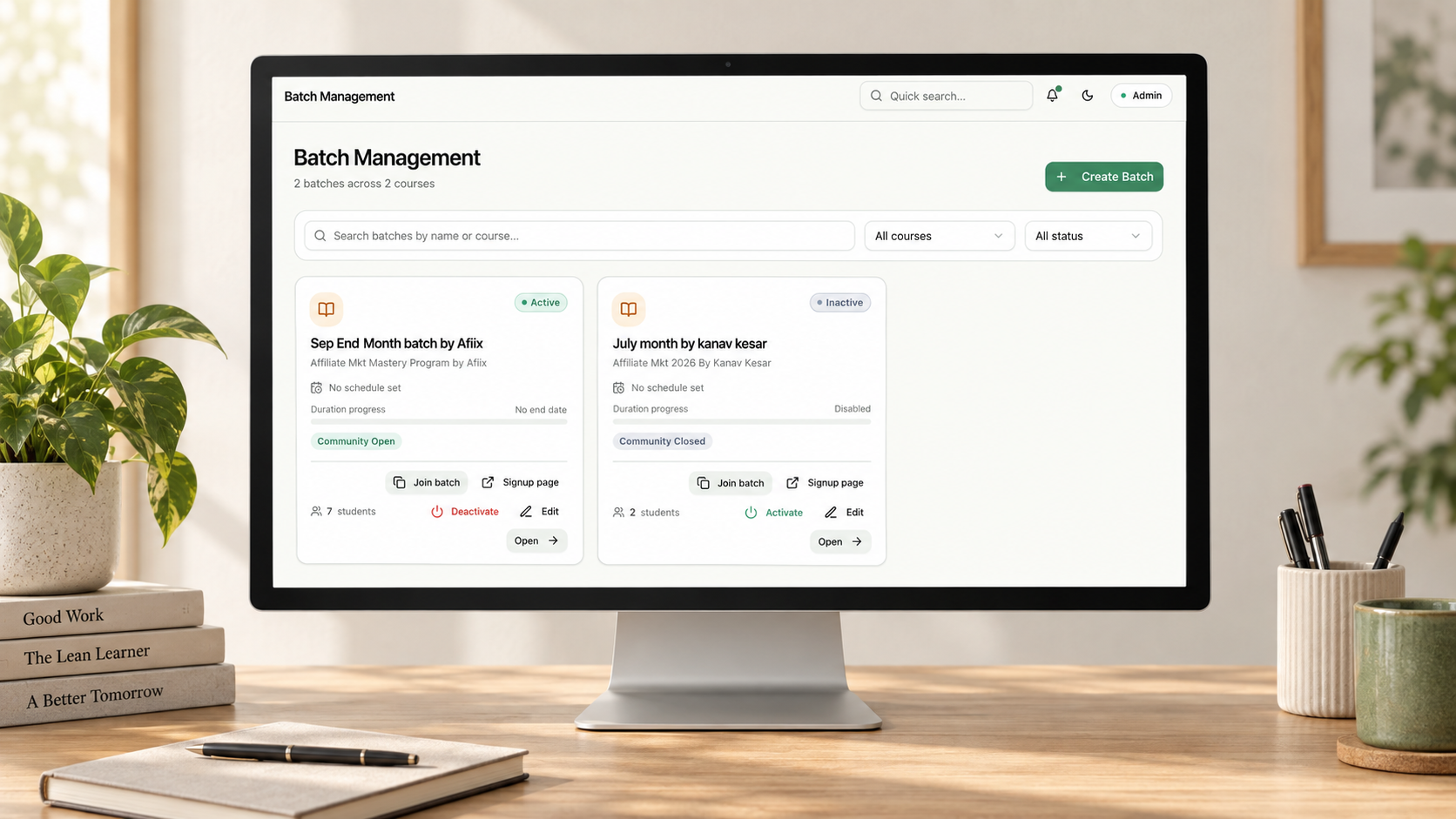
Courses contain distinct batches, and each batch controls its students, schedule, access and learning content without overlap.

Orvix is a role-based learning and batch management platform for training teams running multiple courses at once. We brought students, schedules, announcements, Zoom links and study resources into one structured web application.


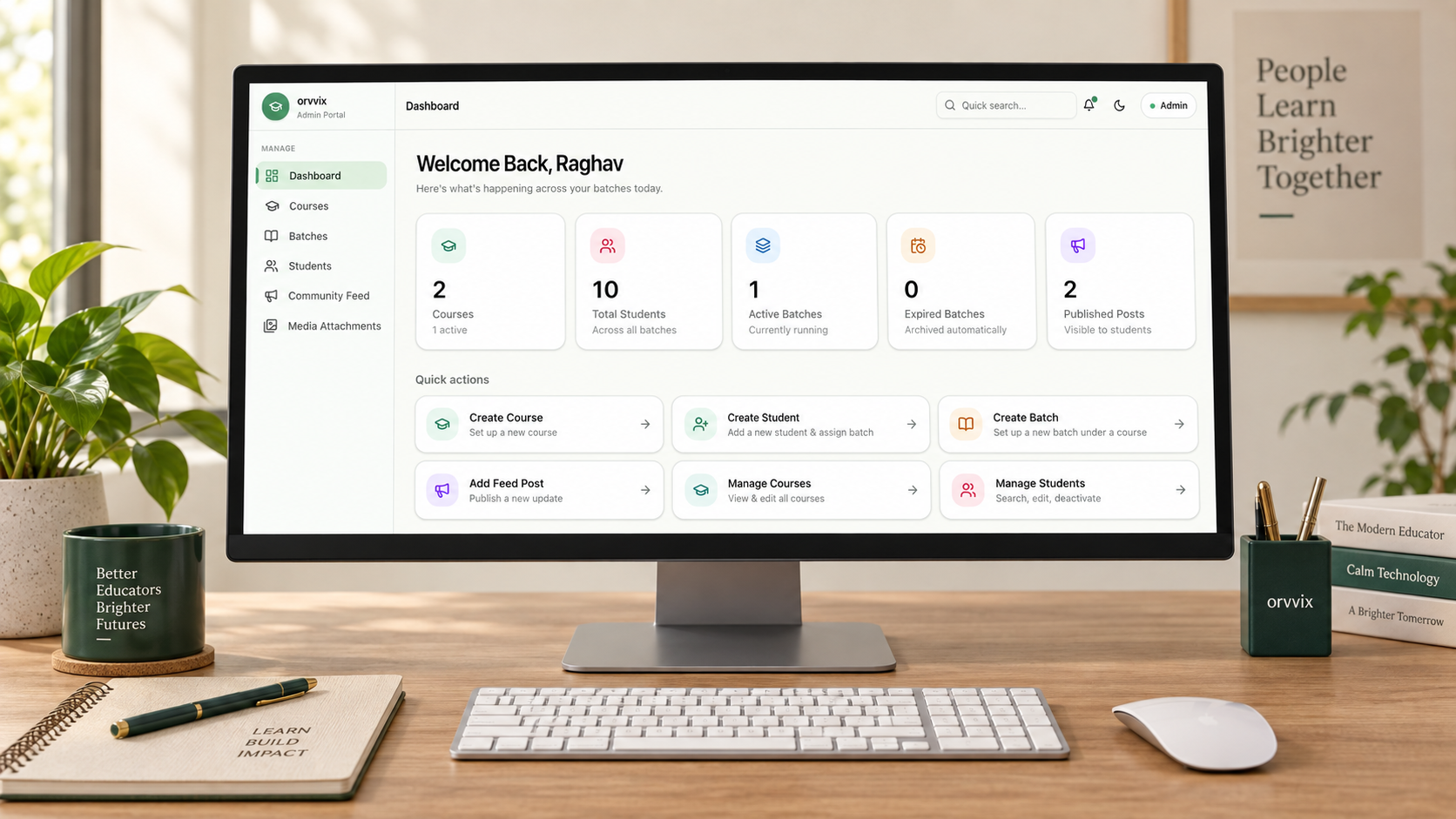
Orvix is a custom web-based learning and batch management platform for a training organisation delivering digital marketing and affiliate marketing programmes. It gives administrators one place to organise courses, batches, students and the content each learner should see.
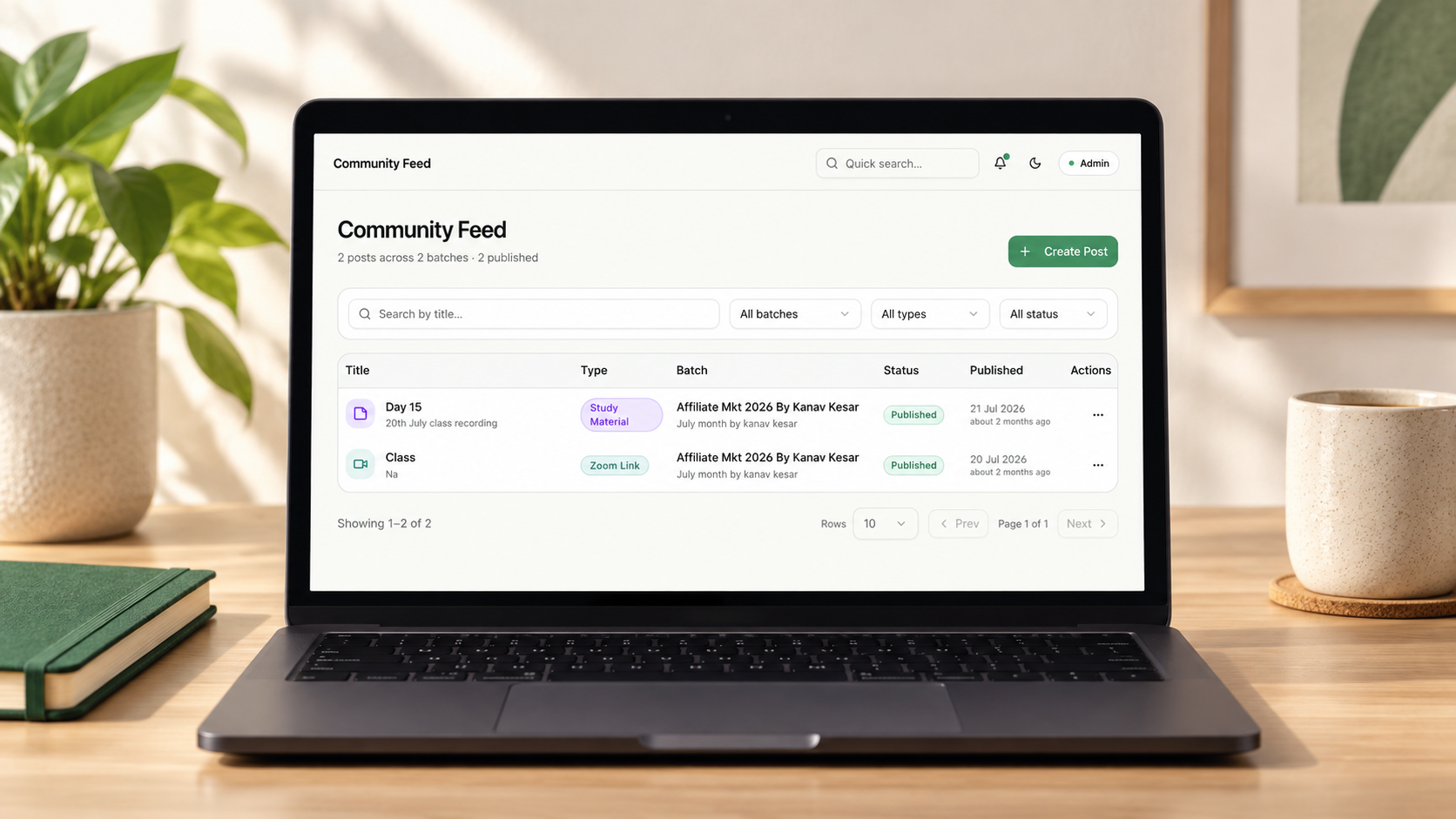
Separate admin and student experiences turn scattered messages, files and schedule updates into a calm, secure community feed—so each batch receives the right Zoom links, notices, recordings and study materials from one source.
From scattered channels to one learning workspace
Keeping simultaneous courses, batches and learner communication organised without losing relevance or control.
The training team was coordinating schedules, announcements, Zoom links, recordings and study materials across WhatsApp groups, email, spreadsheets and shared folders. Every new class or batch increased the operational overhead.
The platform needed a secure class-to-batch-to-student hierarchy, simple enrolment controls and a way to publish only the information relevant to each group—while keeping the student experience calm and easy to scan.
Mapping the class, batch and student hierarchy into a clear role-based experience for administrators and learners.
Building a responsive platform for course, batch, student and learning-resource operations in one dependable system.
Giving training teams searchable management tools, operational summaries and precise publishing controls.
Creating a secure, read-only feed for each learner’s schedules, notices, Zoom links and study resources.
A scalable, role-based web application that turns batch administration, learner access and day-to-day communication into one connected operating flow.
Courses contain distinct batches, and each batch controls its students, schedule, access and learning content without overlap.
Administrators manage the complete learning ecosystem while students receive a focused view of the information assigned to them.
Drafts, publishing states and batch-specific posts bring Zoom links, notices, videos and study materials into one ordered stream.
Dashboard summaries, search and filters help administrators monitor active batches, students, posts and upcoming expiries.
Technology Stack
Orvix pairs a responsive Next.js and React interface with Node.js services and PostgreSQL data storage to support secure, structured batch operations.

Web framework

Interface library

Backend runtime

Relational database
The platform turns a fragmented learning operation into one clearer, more controlled environment for administrators and students.
 One administrative system for courses, batches, students and learning resources.Less dependence on scattered WhatsApp groups, emails, spreadsheets and shared folders.Relevant schedules, notices and materials delivered directly to the appropriate learner group.A scalable platform structure that can support more programmes, batches and students over time.